

Mental model
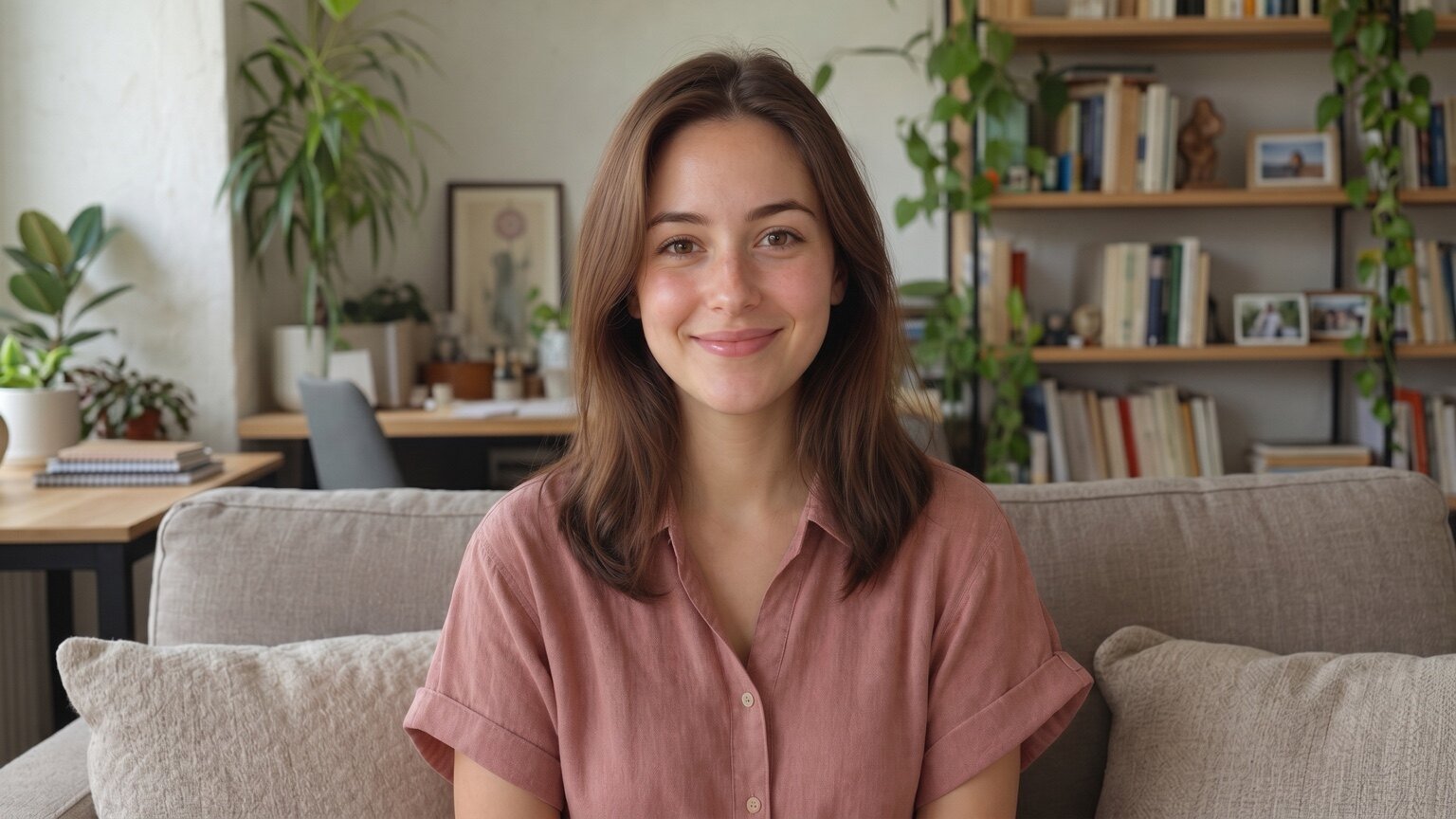
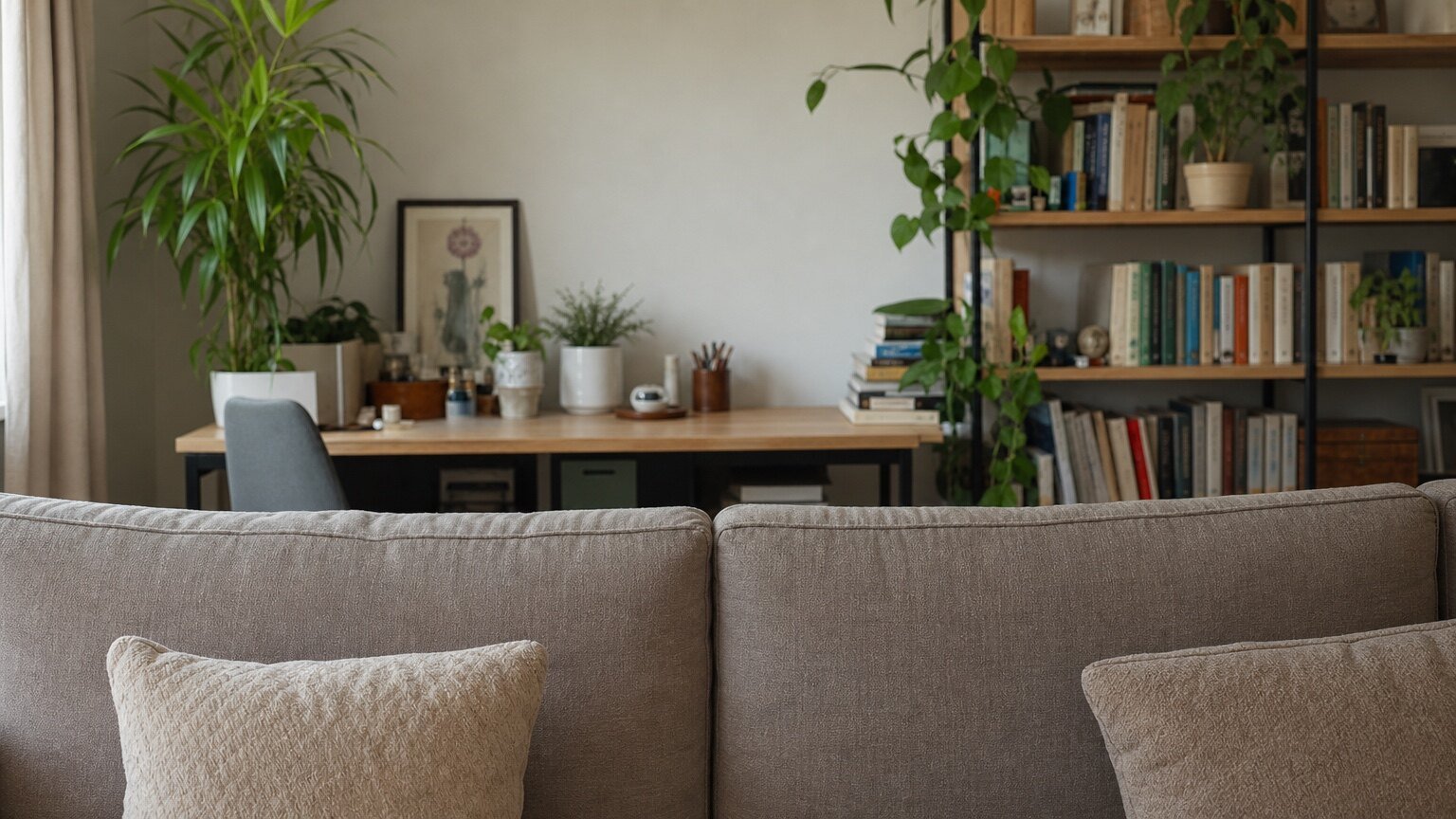
Treat the background and Avatar as one fixed stage:- The background is the 16:9 master stage.
- The Avatar keeps the same position and scale inside that stage.
- Other aspect ratios crop a window from the same stage.
Get the background asset
1
Open the Avatar in Spatius Studio
Go to Spatius Studio, open the Personal Avatar, and find the Background card below the preview.
2
Download the background
Select Download. The image is the 16:9 master stage without the Avatar.
3
Add it to your app
Bundle the image with the client or upload it to infrastructure your application controls.
AvatarManager loads avatar assets, but not this background image. If your app supports multiple Avatars, map each avatar-id to its background in your application.Render the two layers
Place a transparent Avatar view above the background inside the same stage:Crop for other aspect ratios
Use aspect-fill and center-crop for square, portrait, or custom containers. Keep the 16:9 stage centered and clip its overflow; do not stretch the background or move the Avatar independently.Practical rules
- Store the image as a normal Web, iOS, Android, or Flutter application asset, or serve it from your CDN.
- Preload it while the Avatar loads so both layers can appear together.
- Switch the Avatar and its mapped background in the same visual update.
- If the image is unavailable, fall back to an application-provided scene without blocking AvatarKit.